
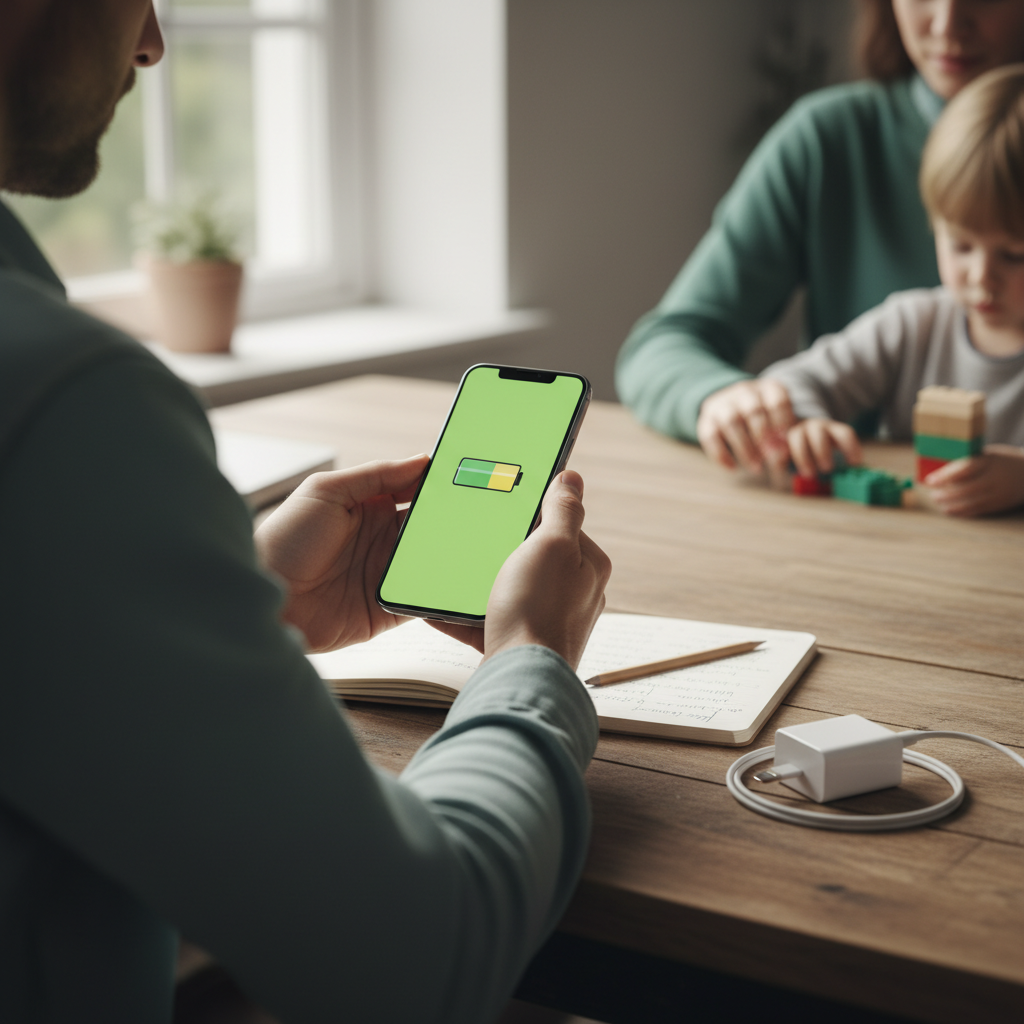
Do you want to maximize your smartphone's lifespan, save money, and live more sustainably? Here you'll learn what truly determines your "smartphone lifespan" – and how simple routines can noticeably extend it by years. Plus: a relaxed family perspective with a screen-free alternative for children.
What "Smartphone Lifespan" Really Means for You – and Why It Matters Now
When we talk about lifespan, we rarely mean purely technical durability. We're referring to the period during which your phone remains secure, fast, and functional for everyday use – without annoying compromises. Given rising prices and resource consumption, every additional month of use is doubly worthwhile: for your wallet and for the climate.
Definition, Average Values, and Trends
Lifespan vs. Durability: Technical Longevity vs. Actual Use
Durability refers to how long a device can fundamentally function until components physically fail. Lifespan is how long you comfortably use it – determined by battery condition, speed, storage space, and security updates. So, a smartphone can "live" without still being enjoyed.
Current Figures: Germany/Europe in Comparison, Differences Between Android and iOS
In many households, the actual lifespan is now around 3 to 4 years, depending on the device, care, and update support. While iOS devices traditionally receive long updates, Android is catching up significantly. Newer models – especially in the high-end segment – sometimes receive updates for up to 7 years. Practice shows: those who care for their device, use protective cases, and conserve the battery often get significantly more mileage out of it.
Development in Recent Years and Manufacturers' Update Policies
Good news: Update strategies are getting longer. Some manufacturers guarantee several major operating system upgrades and long-term security support. For long-term use, update commitments are more important than minor hardware differences when purchasing. Look for: promised years for OS updates, regular security patches, and spare parts availability.
Factors Influencing Lifespan
Battery & Charging Cycles: Chemistry, Charging Behavior, and Capacity Loss
Lithium-ion batteries age due to cycles, high temperatures, and extreme charge states. Charging between 20% and 80% protects the cells. Frequent fast charging is okay if it's not the norm and the device doesn't get hot during the process. Rule of thumb: the cooler and more moderate, the better for capacity.
- Do not store permanently at 100%, do not deep discharge.
- Avoid high heat (sun, car, gaming under load while charging).
- If available: activate charge limit (e.g., 80%).
Software, Security Updates & Support Duration: How Long Your Device Truly Remains Protected
Without security updates, the risk of vulnerabilities increases – especially for apps with sensitive data. Pay attention to regular patches and plan a change if your model no longer receives updates. Tip: Use browsers and apps that are still maintained, and keep permissions lean.
Hardware Quality, Repairability, Temperature & Mechanical Protection
Robust casings, good seals, and replaceable components extend the lifespan. A case with impact protection and a screen protector pay off. Dust and moisture are enemies, as are drops on edges. When buying or passing it on, check the repairability (screws instead of glue, spare parts, instructions).
Practice: How to Noticeably Extend the Lifespan
Battery Care, Charging, and Power Saving in Everyday Life
- Charge window 20–80%: If possible, via charge limit or manually.
- Slow charging at night: Standard power adapter instead of permanent fast charging.
- Heat kills batteries: Keep phone out of the sun, remove case if necessary while charging.
- Power saving: Adaptive brightness, 60 Hz instead of 120 Hz, selectively deactivate radio modules.
- Check battery status: If run-time is noticeably shorter, consider a battery replacement – often the cheapest life extension.
Protection & Handling: Cases, Screen Protectors, Moisture, and Dust
- Case + tempered glass: Drop protection saves you expensive screen and frame repairs.
- Water & dust: Pay attention to IP protection, be extra careful at the beach and construction sites.
- Transport: Separate pocket in backpack, no pressure from keys or bottles.
- Cleaning: Soft cloth, carefully clean ports with wooden or plastic sticks.
Software Hygiene: Declutter Storage, Updates, Performance Tuning
- Timely updates: Keep system, apps, browser, and Play Services/App Store up to date.
- Keep storage free: Leave at least 10–20% free; offload photos/videos to external cloud or computer.
- Autostart & background data: Declutter apps, revoke permissions, reduce notifications.
- Widgets & live wallpapers: Only what you truly use – saves RAM and battery.
Repair, Continue Using, Buy Refurbished, or New?
Cost-Benefit in 3 Steps: Identify Defect, Check Residual Value, Plan for Future Security
- Isolate defect: Weak battery, cracked screen, blurry camera, wobbly charging port? Many damages are individually repairable at low cost.
- Weigh residual value & costs: Repair price vs. market value of functioning devices of your model.
- Future security: Are you still getting updates? Is performance/5G/WLAN standard sufficient for the next 2–3 years?
When a Change Makes Sense: Security, Features, Total Cost of Ownership
A change is advisable at the latest when security patches are no longer available, in case of critical security defects (e.g., bulging battery), or when the device can no longer reliably handle your job/video calls/navigation. For commercial use, it's worth looking at the total costs (acquisition – residual value + repairs + downtime) and possibly depreciation.
Choosing Refurbished Correctly: Quality Grades, Warranty, Data Transfer
- Grading: How "like new," "very good," "good" is defined varies – read details.
- Warranty & battery: At least 12 months, tested battery (e.g., 85–90%+ capacity).
- Origin & spare parts: Reputable dealers, documented inspection, spare parts availability.
- Data migration: Use manufacturer tools (Quick Start/Device Switch), delete old devices only after successful migration.
| Option | Advantages | To Consider |
|---|---|---|
| Repair | Cost-effective, ecologically sound, original device retained | Check parts quality, warranty, update support |
| Continue using | No effort, maximum sustainability | Only secure with updates; battery may need replacement |
| Refurbished | Cheaper than new, tested quality | Reputable dealers, battery condition, warranty terms |
| New | Full manufacturer warranty, long updates (model-specific) | Higher carbon footprint, acquisition costs |
Sustainability & Reuse
CO₂ Footprint of a Smartphone and Why Longer Use Saves the Most
The majority of emissions are generated during production and logistics. Therefore, extended use is usually the most effective climate protection measure – even more so than recycling. Repair, battery replacement, and good care often significantly outperform new purchases. For more in-depth information, see, for example, the German Environment Agency.
Secure Handover: Sale, Donation, Recycling – Including Reliable Data Deletion
- Create backup: Save photos, chats, 2FA codes.
- Log out & unpair: Cloud, App Store/Play, Messenger, Bluetooth devices.
- Check encryption and perform factory reset (with data deletion).
- Remove SIM/SD and delete eSIM profile if applicable.
- Include receipt & accessories; for recycling, only use certified centers.
Family Perspective: Less Screen Time, Longer Lifespan – and a Child-Friendly Alternative
Why Children's Screen Time Shortens Your Smartphone's Lifespan – and How to Counter It
If children use your smartphone more frequently, the number of charging cycles, drops, and potential moisture damage increases – and the lifespan decreases. You can counteract this with clear rules: fixed usage times, co-selecting content, agreeing on offline phases, and consistently "parking" the phone. Even better: offer an independent, screen-free activity.
Ohrlaf: Screen-Free Play & Learning

Ohrlaf is an interactive, screen-free audio toy with real voices, music, and sounds. It promotes active listening, language comprehension, and concentration – developed with educators for children aged approximately 3 to 9 years. No app, no internet needed in everyday life; content grows with them and can be discovered together. A relaxed alternative that relieves your smartphone and makes family life calmer.
More Value from Your Smartphone – and More Peace in Family Life
With smart charging habits, good protection, and regular updates, you can significantly extend the lifespan. Repairs – especially battery replacement – are often the most cost-effective lever. Plan updates strategically, use refurbished offers wisely, and consider secure handover.
- Start today: 20–80% charging window, reduce autostarting apps, set up backup.
- This week: Check screen protector/case, clean ports, check update status.
- Long-term: When making your next purchase, pay attention to update commitments, repairability, and battery replacement.
FAQ
How long should you use your smartphone to live more sustainably – and are there screen-free alternatives for children?
As long as security, performance, and battery are suitable for everyday use – often 3–5 years or longer with care and possibly battery replacement. For children, screen-free alternatives like Ohrlaf are useful to protect your phone and avoid digital overstimulation.
When is a smartphone considered technically obsolete – and is repair or continued use worthwhile?
It is practically obsolete when security updates are no longer available or essential functions are unreliable. If repair (e.g., battery, display) is worthwhile in relation to the residual value and gives you another 1–2 years, continued use is often the most sustainable choice.
How much daily screen time is appropriate for children between 3 and 9 years old – and how can it be meaningfully limited?
For younger children, short, supervised sessions are useful; fixed times, clear rules, and attractive offline alternatives help. Shared activities, reading aloud, and audio plays relieve your smartphone and create good routines.
What measures extend a smartphone's lifespan – and how does an alternative like Ohrlaf help?
Battery-saving charging, case/screen protector, updates, storage hygiene, and possibly battery replacement. Ohrlaf offers an independent, screen-free activity for children, reducing drops and charging cycles of your phone – and thus wear and tear.
What is important for handover or recycling so that data is securely deleted and the environment benefits?
Backup, log out/unpair, check encryption, factory reset, remove SIM/eSIM/SD, and use reputable contact points. The longer devices are used or repaired, the lower the CO₂ footprint.



Leave a comment
This site is protected by hCaptcha and the hCaptcha Privacy Policy and Terms of Service apply.